What comes across
Export your data
File format to import: CSV.
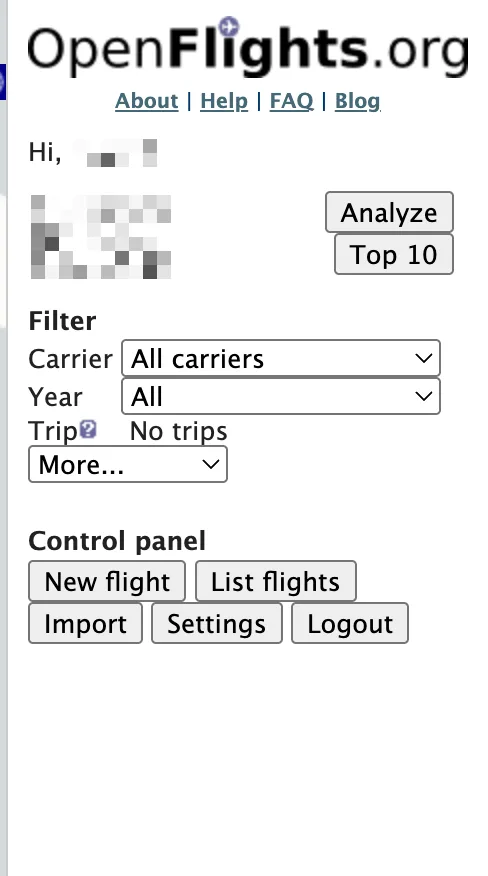
Sign in on openflights.org
Use a browser, on a computer if you can: the site is built for large screens.
Open Settings
Settings only appears once you are signed in, so sign in first.
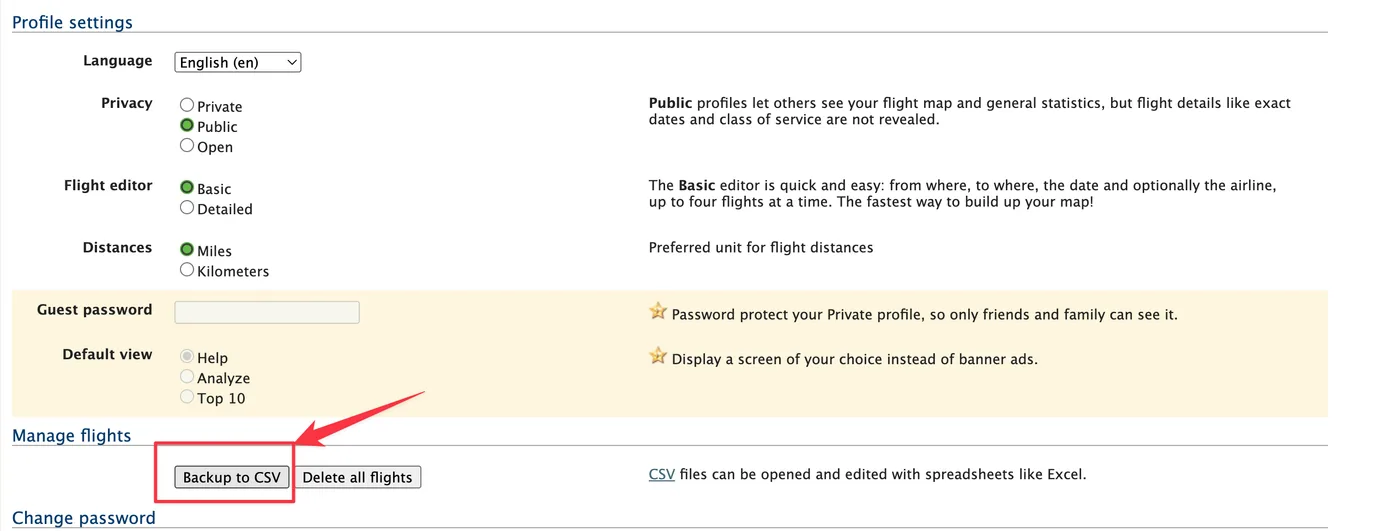
Scroll to Manage flights and click Backup to CSV
OpenFlights generates a CSV file of your logged flights.
Send the file to your phone and pick it in FlightLog
AirDrop, email or a cloud drive all work, then choose the file in the FlightLog import screen.
- FlightLog reads OpenFlights dates as ISO (YYYY-MM-DD, optionally with a time). Dates written with slashes or dots follow the order your file uses: one date such as 25/03/2024 makes the whole file day-first, and only when no date decides are they read in US order (month first). A row dated with a year alone is imported as January 1 of that year.
- Distances stored in miles are ignored and recomputed.
Import into FlightLog
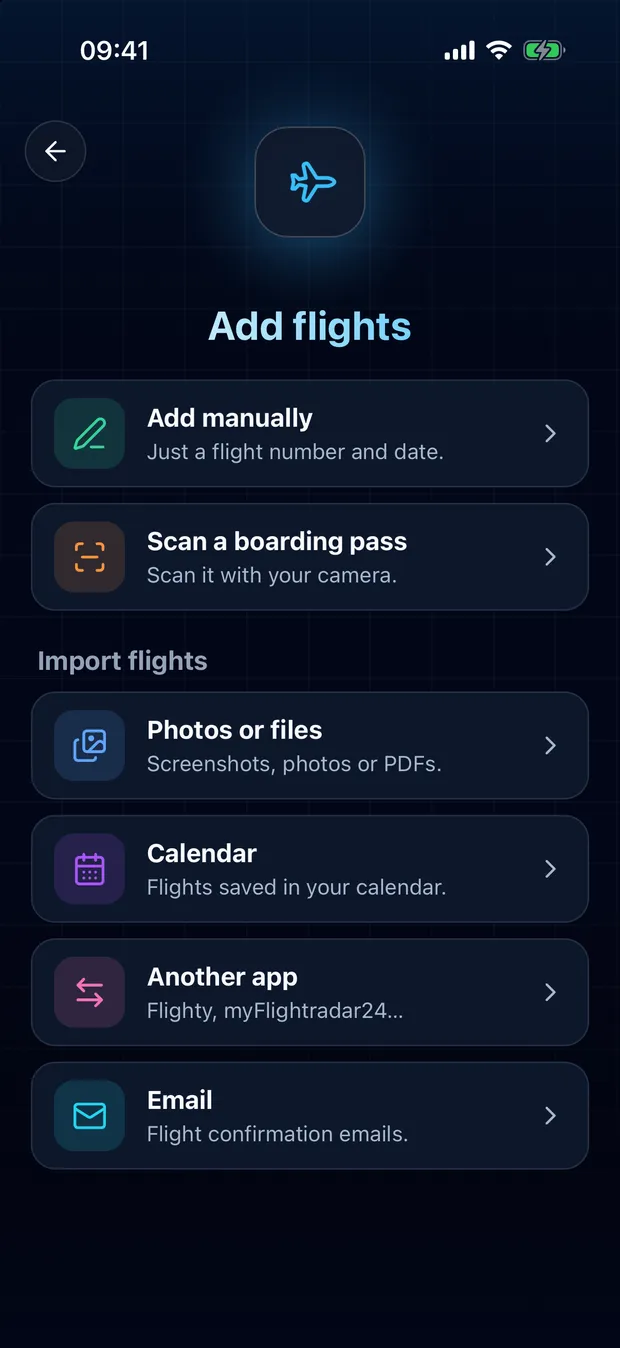
Open FlightLog, tap Add in the middle of the bottom bar, then Another app.
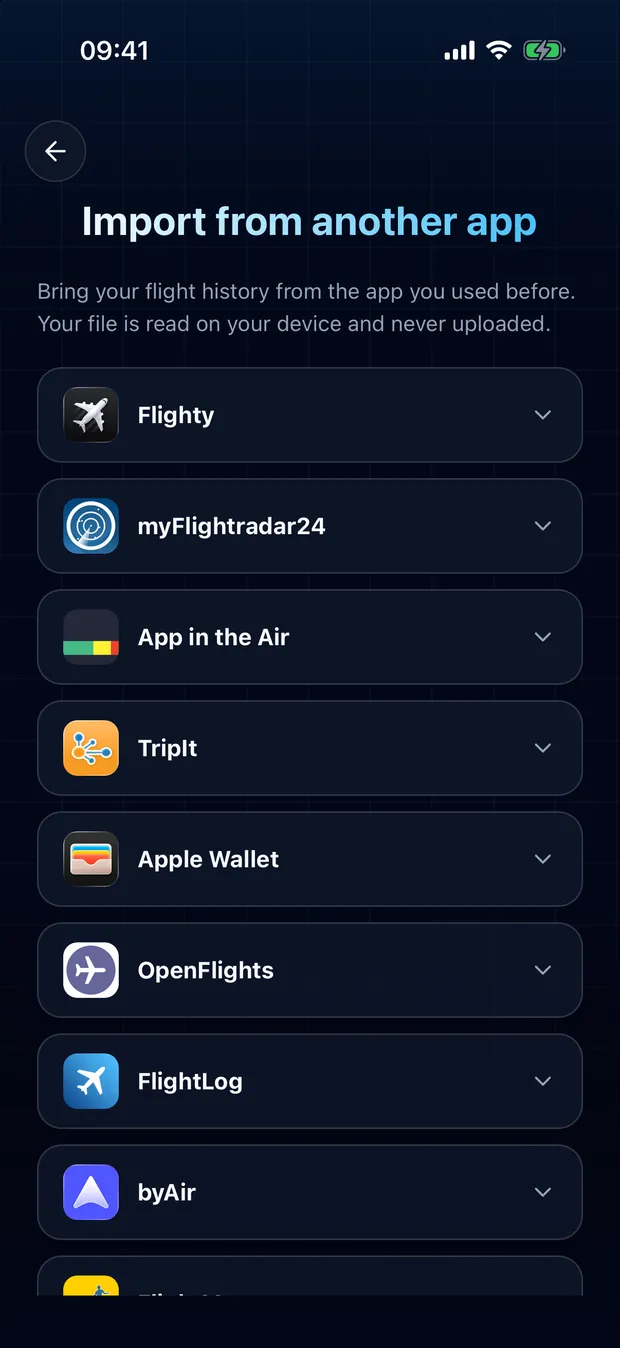
Open your app's card and tap Choose a file.
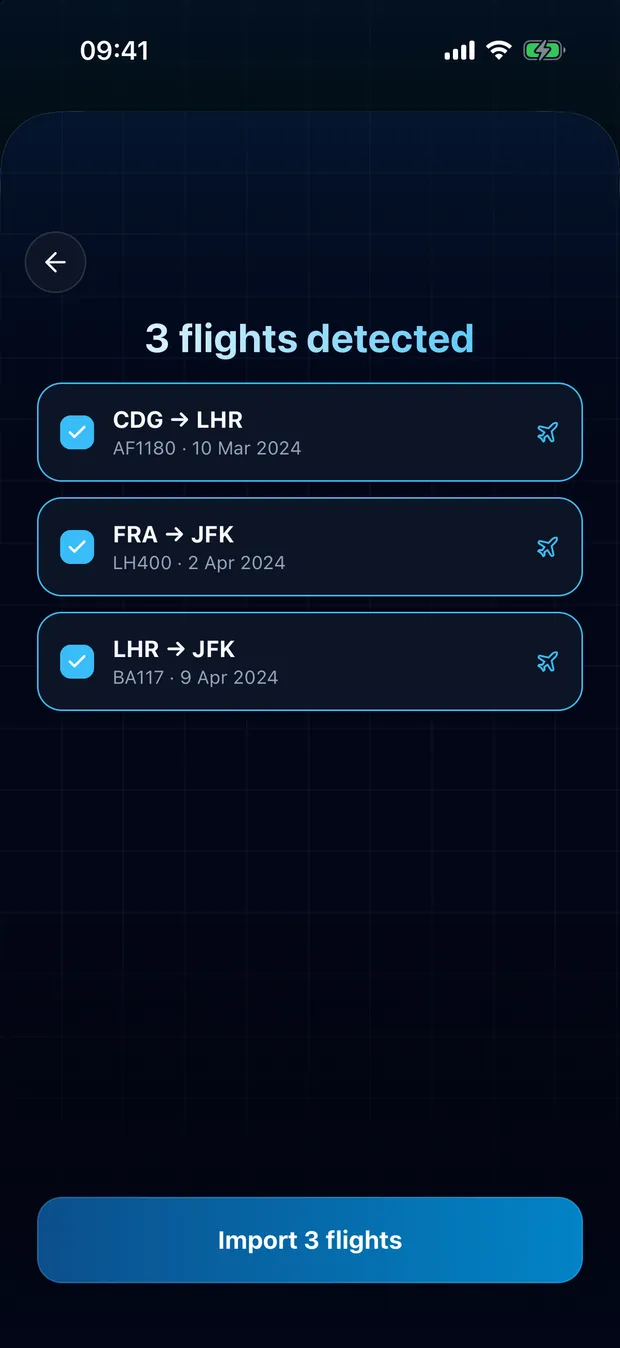
Review the detected flights and confirm. Flights already found in your logbook are flagged and left unchecked.
Your file is read on your device
FlightLog reads the file locally on your phone. It is not uploaded, unless FlightLog does not recognize it and you ask for it to be read online.
Questions
Usually not. FlightLog compares each row with your logbook and flags the flights it finds there, unchecked by default. It matches on flight number, date and route, so a flight saved under another number or without one can slip through: check the list before you confirm.
Ready to bring your flights over?
FlightLog is free to start, on iPhone and Android.