What comes across
Export your data
File format to import: CSV.
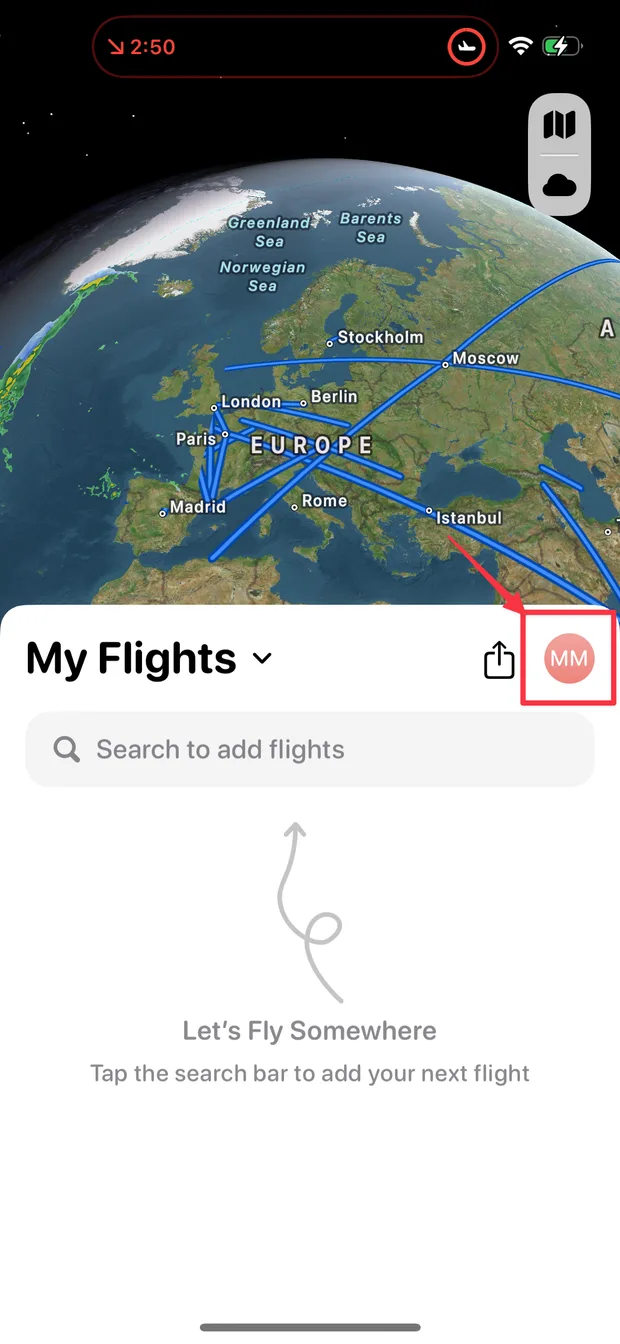
Open Flighty and tap your profile picture
It is the round picture at the top right of your flight list.
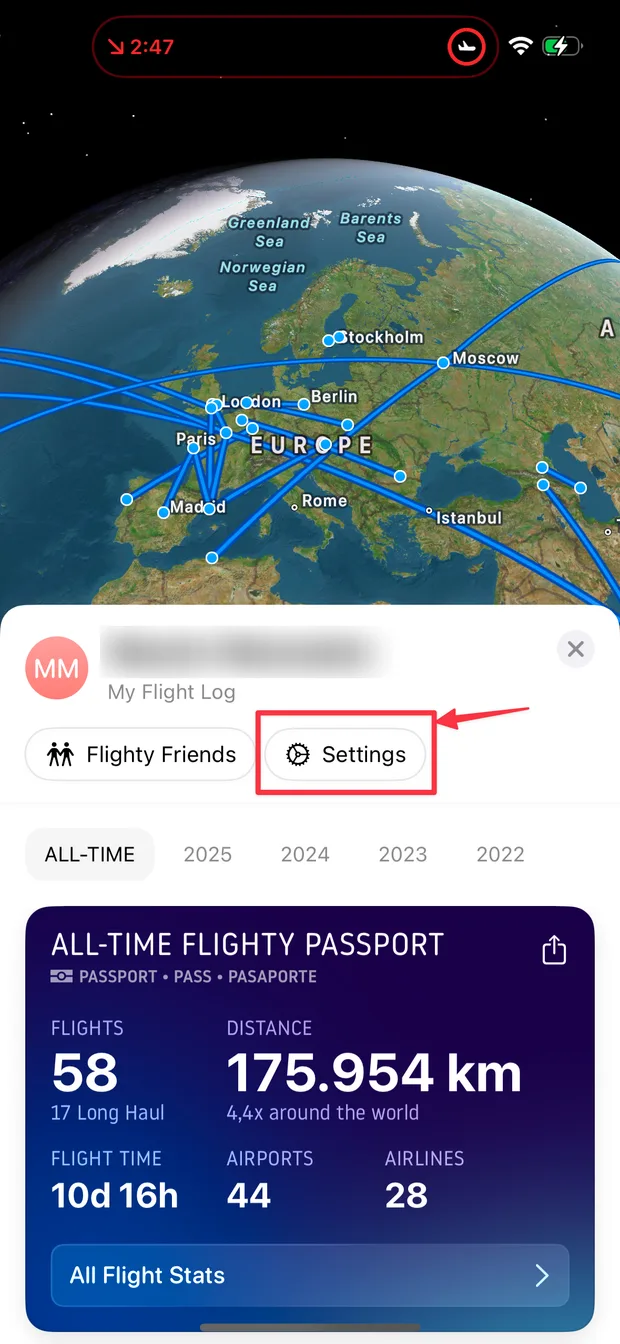
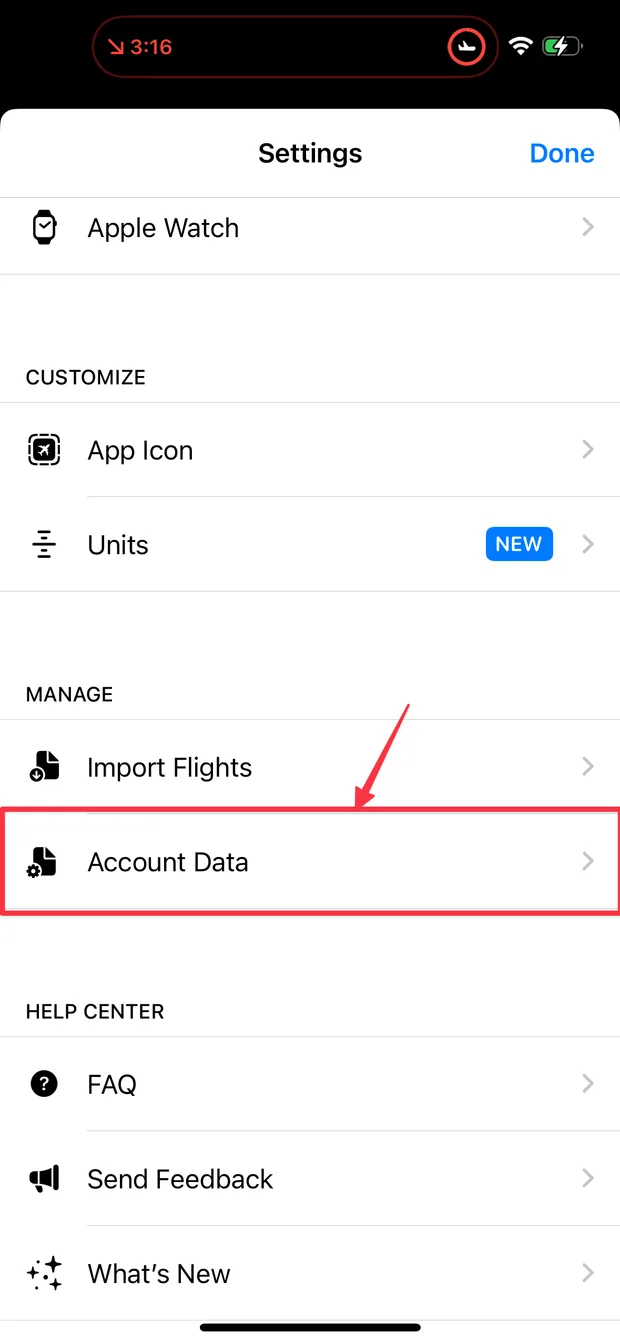
Tap Settings, then Account Data
Account Data sits in the Manage section.
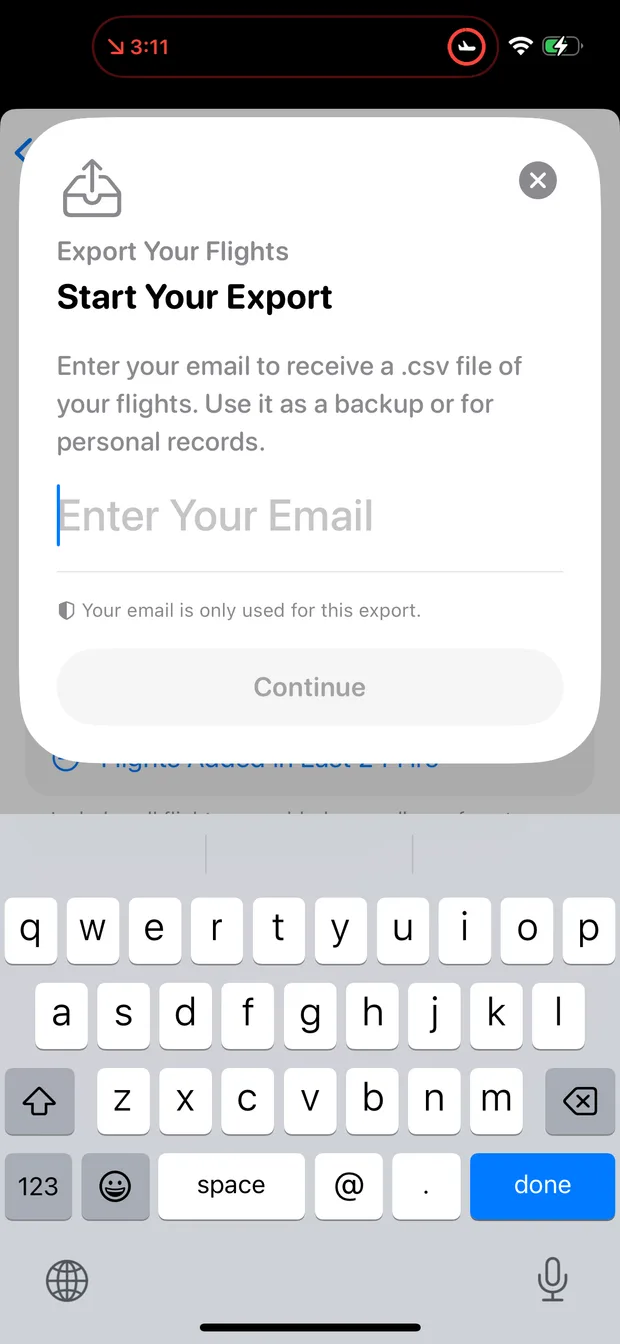
Tap Export Your Flights
Flighty prepares a file of your flights. If it asks for an email address, the file arrives by email.
Save the file to your phone
Save it to Files on your phone (from the email, save the attachment), so you can pick it in FlightLog.
- Distances and carbon estimates are recomputed by FlightLog, so you do not need them in the file. Durations are recalculated too, from the times in the file, or estimated from the distance when a time is missing.
- Cancelled flights keep their status when you import them.
Import into FlightLog
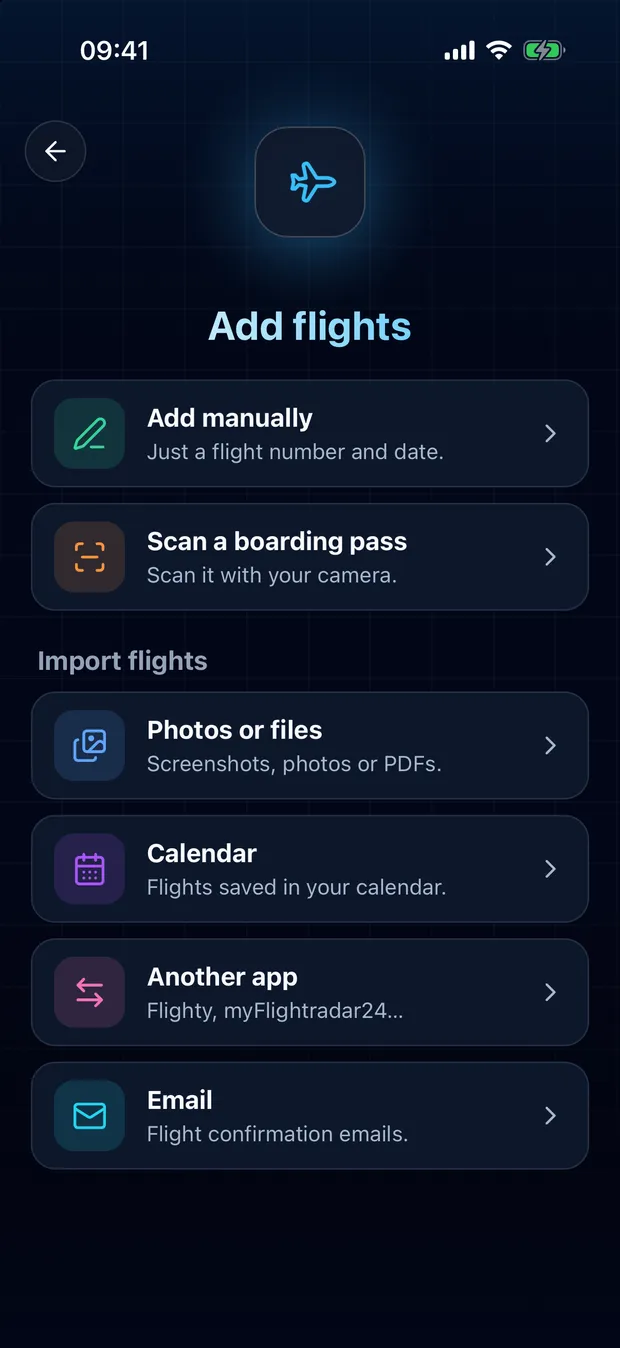
Open FlightLog, tap Add in the middle of the bottom bar, then Another app.
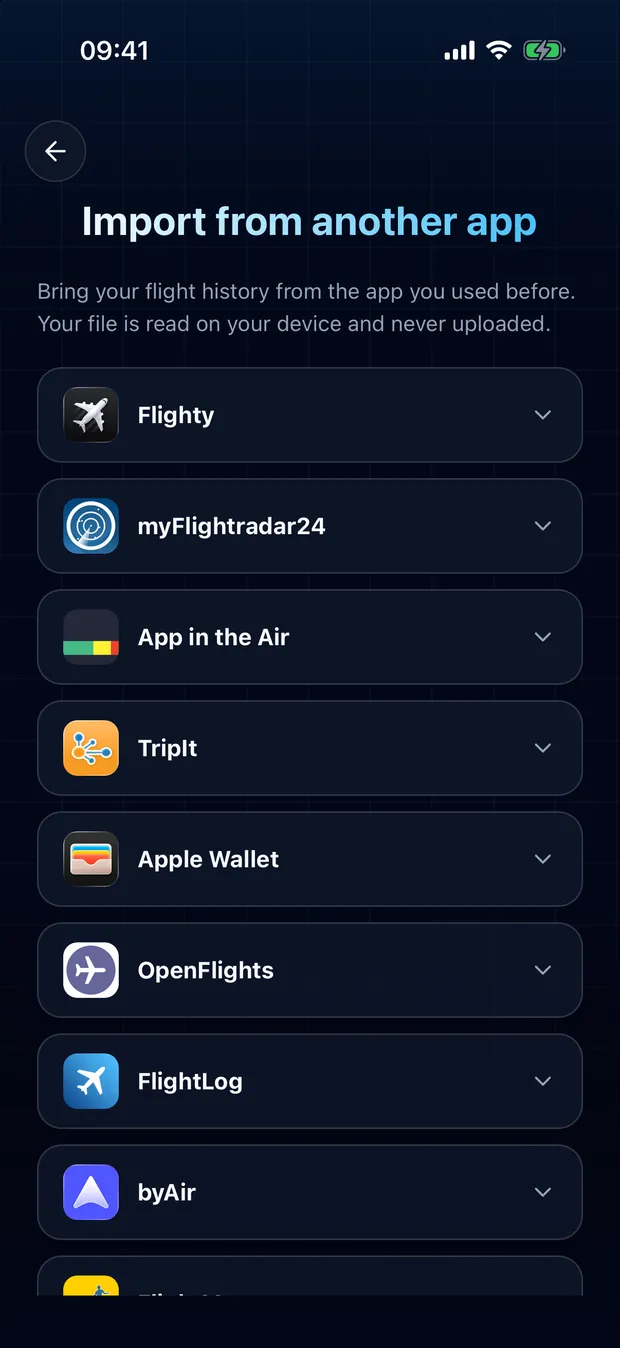
Open your app's card and tap Choose a file.
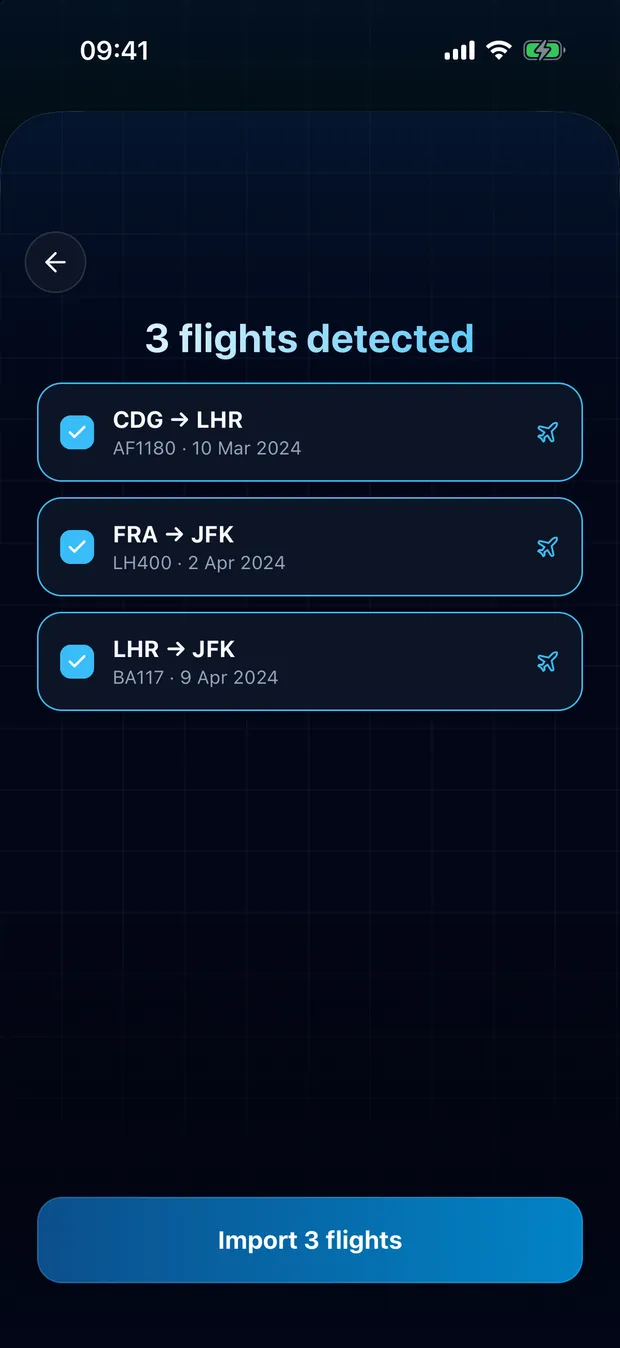
Review the detected flights and confirm. Flights already found in your logbook are flagged and left unchecked.
Your file is read on your device
FlightLog reads the file locally on your phone. It is not uploaded, unless FlightLog does not recognize it and you ask for it to be read online.
Questions
Usually not. FlightLog compares each row with your logbook and flags the flights it finds there, unchecked by default. It matches on flight number, date and route, so a flight saved under another number or without one can slip through: check the list before you confirm.
Ready to bring your flights over?
FlightLog is free to start, on iPhone and Android.